
A Correct Detection Is the Start of a Business Decision
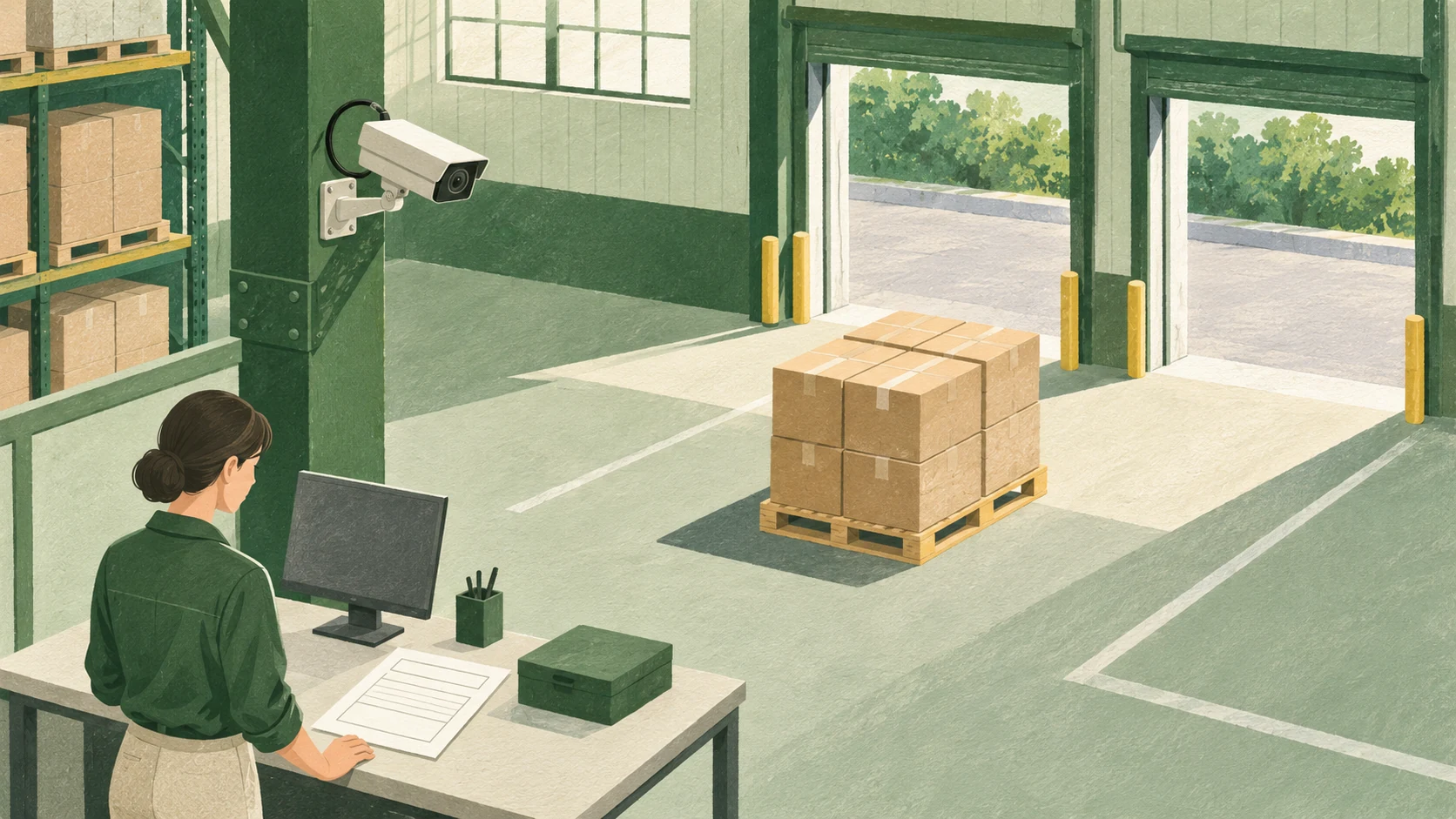
A camera identifies a pallet beside a loading door. The image is clear and the identifier is readable. Yet the useful question is still unanswered: does this pallet belong to the shipment being loaded here?
Visual AI WMS integration connects observations from images and video with warehouse records and agreed operational actions. Linking the workflow to ERP can make relevant business updates available beyond the warehouse, provided ownership and validation rules are defined.
A warehouse management system (WMS) coordinates warehouse records and tasks. Enterprise resource planning (ERP) software connects broader business processes. The exact division of responsibilities depends on the installation.
The connection brings together different kinds of information. The camera supplies evidence of an observation. Business systems supply the expected order, location or movement. People and configured rules decide which actions are permitted.
This guide follows an illustrative outbound pallet check from observation to a recorded outcome. It builds on our article about Visual AI in supply chain management, focusing on the handover between recognition and the systems that run the operation.
In this article
Follow a Pallet to the Wrong Loading Bay
The observation
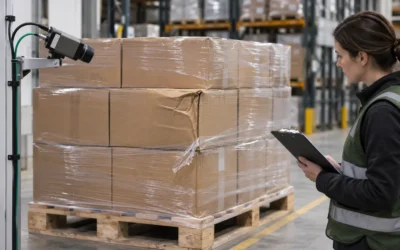
In this hypothetical workflow, a pallet is placed in a defined staging zone beside a loading bay. Suitable cameras capture its label and location. The application extracts a candidate pallet reference and retains the relevant image and capture time.
Reading printed characters and decoding a barcode are different recognition tasks. Select and validate the method appropriate to the label. Our guide to OCR in logistics explains the steps between visible text and usable data.
The business check
The integration retrieves the expected shipment and assigned bay from the responsible warehouse system. The identified pallet is expected at a different bay, so the observation becomes a candidate mismatch for review.
A single camera view cannot establish the complete shipment contents or prove that a loading task has finished. The comparison needs current business records and a reliable association between the pallet, observed location and intended movement.
The response
The responsible operator receives the pallet reference, observed bay, expected bay and supporting image. They confirm the mismatch or correct an uncertain association, then follow the site's established procedure for the next movement.
The original observation and the reviewed decision remain distinguishable. A reviewer dismissing a flag should record why, so the team can investigate recurring causes using the approach described in our guide to reducing false alarms in Visual AI.
The recorded outcome
The approved result is sent through an agreed interface. The workflow records whether the receiving system applied the update, rejected it or still has work pending. A successful transfer alone does not prove that the requested business change has completed.
Any subsequent loading confirmation requires its own evidence and business rules. Finding the pallet at the correct bay is one useful condition; it is not a complete authorisation to release a shipment.
Agree Which System Owns Each Decision
Before selecting an interface, ask which system holds the authoritative value for each field and which is allowed to change it. The answer depends on the site's architecture, including any warehouse execution or transport systems.
- The vision application records the observed object, location, time and recognition result. It should preserve uncertainty and evidence.
- The WMS or designated warehouse system supplies the operational context agreed for the project, such as the pallet record, warehouse task and expected staging location.
- The ERP or designated business system receives the updates required by the wider business process. It does not need every camera observation.
- The integration layer maps fields, applies the agreed checks, routes exceptions and tracks the outcome of an update.
For example, if the WMS already sends confirmed shipment status to ERP, the vision application may only need to connect to the warehouse workflow. Adding a second route for the same update can create conflicting records unless ownership is explicit.
Define the Information Each Event Must Carry
A useful event has a meaning that both the sender and receiver understand. In the pallet example, agree the following information before development begins:
- What happened: a pallet was observed in a defined staging zone. Keep this separate from a claim that it was loaded or shipped.
- Which unit and movement: the validated pallet reference and its matched task or shipment, where available.
- When and where: the capture time, site and agreed zone identifier. Keep capture time separate from the time an update arrives.
- What supports the result: an accessible evidence reference and the status of any required review.
- Which event this is: a stable reference for the logical event, together with a record of delivery and processing outcomes.
The event reference identifies a particular occurrence. The pallet reference identifies the unit, which may generate many legitimate events as it moves. Treating every observation of the same pallet as a duplicate could hide a later movement.
Where partners need shared visibility data, GS1's EPCIS standard provides a model for describing events around objects, times, places and business context. Assess its suitability with the receiving systems; recognising a label does not itself create an EPCIS-compliant connection.
Choose a Connection That Fits the Required Action
Some workflows need an immediate request and response. Others can send an event for later processing. Existing vendor interfaces, supported integration services and the consequences of delay should guide the choice.
An API can expose a supported business operation. A webhook can notify another service when something happens. A message queue can separate capture from downstream processing, but the design must account for delays, retries and failures. Microsoft's event-driven architecture guidance explains the relationship between event producers, channels and consumers.
Specify the required time from capture to the useful operational result. An alert intended to prevent a loading mistake needs a different response window from a report prepared after a shift.
Local recognition can reduce reliance on sending video elsewhere, as discussed in our Edge AI guide. It does not remove the need to manage a network connection to a remote business system. Plan authenticated access, appropriate permissions and an agreed destination for evidence.
Keep Exceptions and Failed Updates Visible
When the identity or match is uncertain
Route unreadable labels, ambiguous references and unexpected pallets to a defined review process. Do not silently attach an uncertain read to the nearest-looking order. Show the source image and the information needed to resolve the case.
When an event is repeated
A retry must not create the same business change twice. This property is called idempotency: processing the same operation again should have the same effect as processing it once. Microsoft's idempotent consumer guidance describes how stable identifiers and recorded processing outcomes help implement it.
Also test repeated visual observations. Several frames of a stationary pallet may belong to one event, while a later return to the zone may be a new occurrence. These are separate questions from redelivery of the same message.
When the receiving system is unavailable
Keep pending work visible, define a bounded retry and escalation procedure, and reconcile uncertain outcomes before repeating a business update. If a response was lost, the first request may already have succeeded.
Late information needs its own rule. A pallet may have moved or an order may have changed before a queued event is processed. Recheck the relevant context before applying an outdated action. Keep an agreed manual fallback for periods when recognition or integration is unavailable.
Test the Complete Workflow Before Rollout
Start with one observable event, one inspection point and one receiving workflow. Test representative conditions and compare the recorded outcomes with independently reviewed evidence. The broader planning process is covered in our guide to starting a Visual AI project.
Evaluate the connection at several points:
- Correct association: did the observation reach the correct pallet, movement and destination record?
- Useful review: how many cases needed an operator, how long did resolution take and how many real mismatches were missed?
- Confirmed business updates: of the updates the workflow was expected to apply, how many were confirmed as applied correctly? Count rejected, pending and unknown outcomes separately.
- Response time: how long did it take from image capture to the decision or confirmed update that the operation needed?
- Recovery: could the team resolve outages, repeated deliveries and delayed events without duplicate or incorrect changes?
Include changed orders, unreadable labels, a pallet returning to the same zone and a lost acknowledgement. Test permissions and the operator's fallback, as well as the successful path.
Connect these results to an operational baseline, such as manual reconciliation time or confirmed loading exceptions. Include integration, review and support effort in the business case. Our article on measuring Visual AI ROI explains how to distinguish released capacity from financial savings.
Connect the Guide to an Operational Example
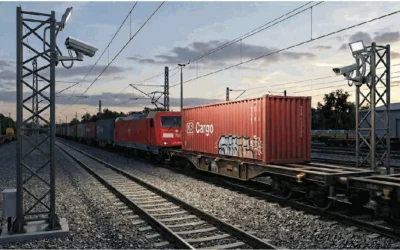
The airis:net OCR-Gate project with Container Terminal Herne illustrates a related principle: captured identifiers become useful when they are available to the terminal's existing workflows, with images or video supporting later review.
That published project concerns train and container identification. The outbound pallet scenario in this guide is an illustrative integration design, not a description of the CTH installation. Each project needs its own data mapping, response rules and evaluation.
Scope Your Visual AI Integration with airis:net
Bring a sample of the event you want to detect, representative labels or footage, the system that should receive the result and the action the team needs to take. Include the available interface documentation and the person responsible for exceptions.
These inputs help define a tailored recognition, validation and integration project. If you are assessing the capture point first, use our existing-camera readiness checklist. Discuss your operational workflow with airis:net.
For other applications of visual intelligence, explore identity verification with airis:ident and image and video content analysis with airis:protect.
FAQ
What is Visual AI WMS integration?
It connects observations from images or video with warehouse records and an agreed operational workflow. A useful integration validates the identified unit, adds the relevant business context and tracks the outcome of the required action.
Does Visual AI need to update both WMS and ERP?
Not necessarily. If the warehouse system already passes confirmed business updates to ERP, the vision workflow may only need to connect to that system. Agree which system owns each field and action before adding another update route.
Can existing warehouse cameras support the integration?
Possibly. The camera must capture the identifier, object or event at sufficient detail and at the right time. Camera access, lighting, viewpoint, processing and the connection to the receiving system all need evaluation.
Does detecting a pallet prove that a shipment is ready to leave?
No. A pallet observation does not establish the full shipment contents or completion of the loading process. Release decisions need separately agreed evidence, permissions and business rules.
How should duplicate events be handled?
Give each logical operation a stable reference and design the receiver so a retry cannot apply the same change twice. Separately define when repeated camera observations belong to the same event and when they represent a new movement.
What happens when a label or shipment match is uncertain?
Send the case to a defined review process with the relevant image and business context. Keep the uncertain observation separate from the approved result and record how the reviewer resolved it.
How should a Visual AI integration pilot be evaluated?
Check correct record association, false and missed exceptions, manual review effort, confirmed business updates and end-to-end response time. Test duplicate delivery, outages and recovery alongside normal operation, and compare the results with an operational baseline.